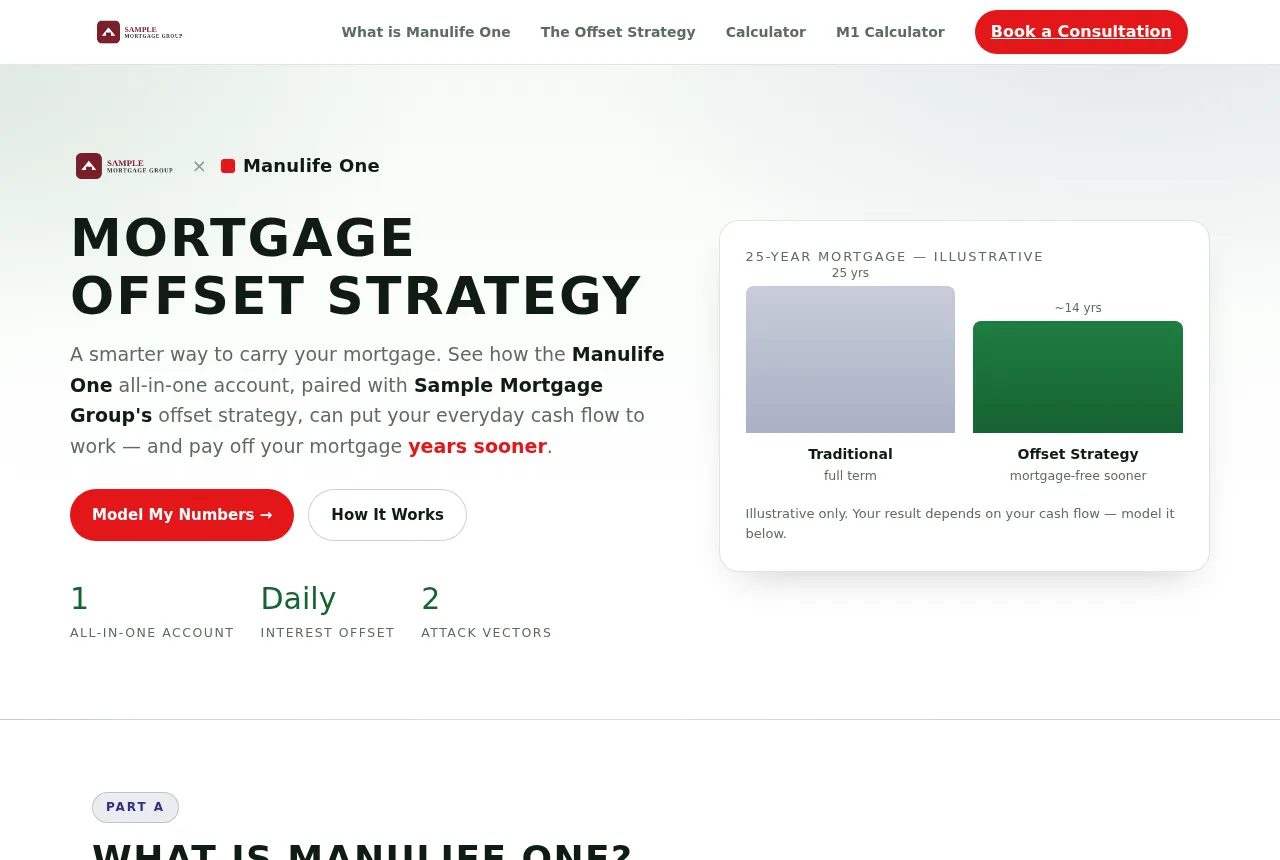
Mortgage Offset Strategy
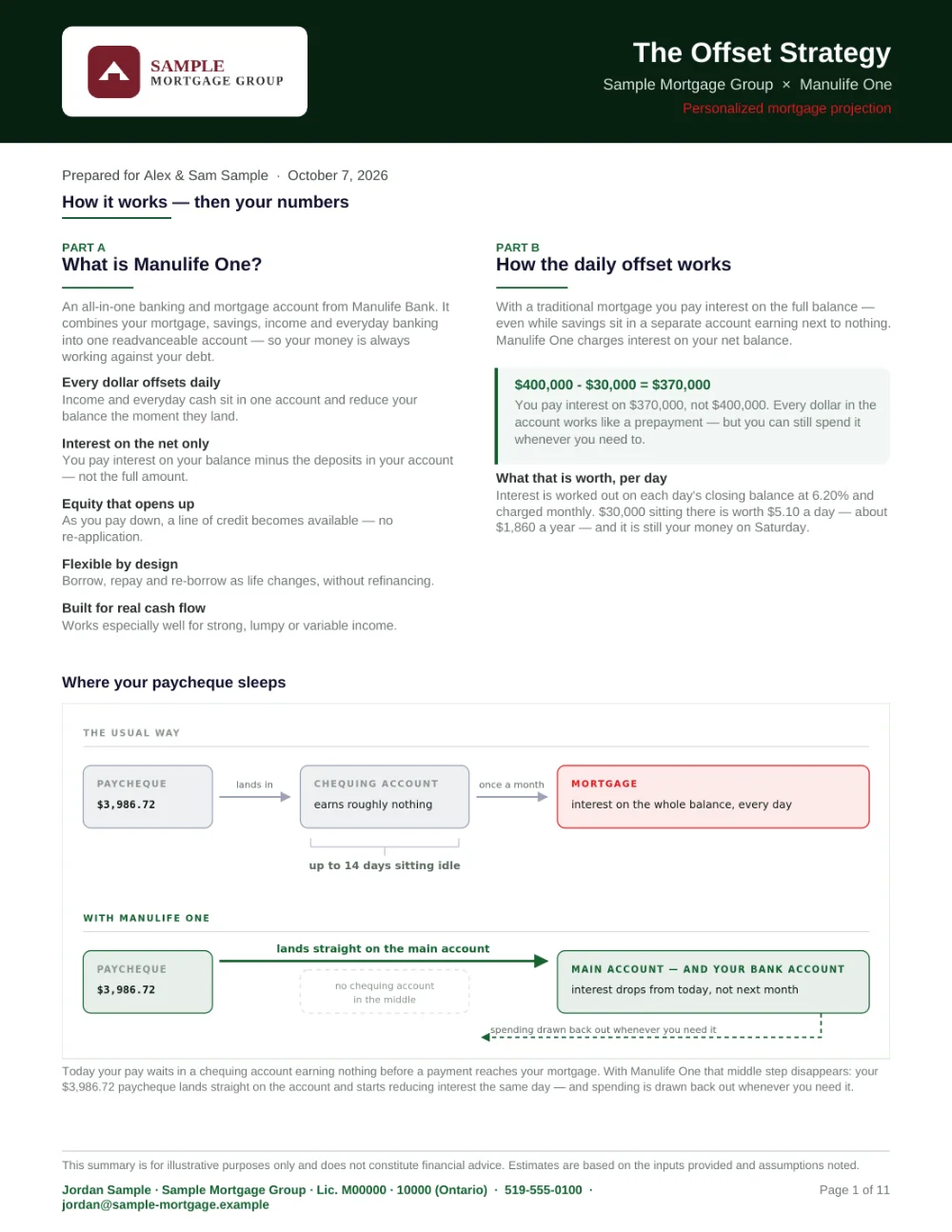
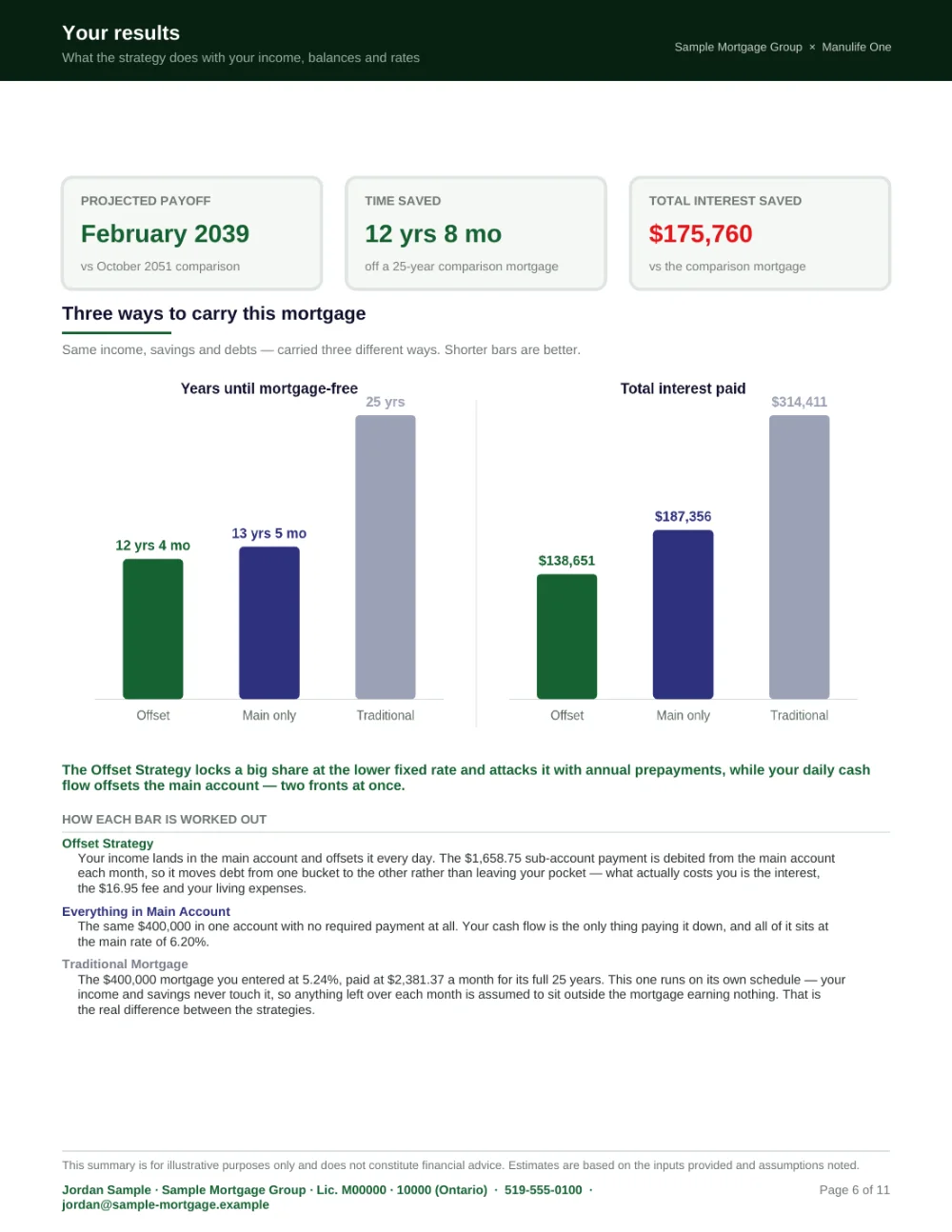
An all-in-one mortgage on the client’s real income and spending, an eleven-page report and a link to their own plan.

Canadian mortgage tools with your name on them, for the people who sit across the table from your clients.
Free for seven days, no card needed. I set up every member myself.
Which seat is yours?
Buyers work out what they can afford on your site, with your photo beside every figure. Their questions come to you.
Your name under the icon, your colours, your calculators, and buttons to book, text or email you. Send the link or let them scan the code; on a phone it installs in two taps.
Screens from a sample member’s app.
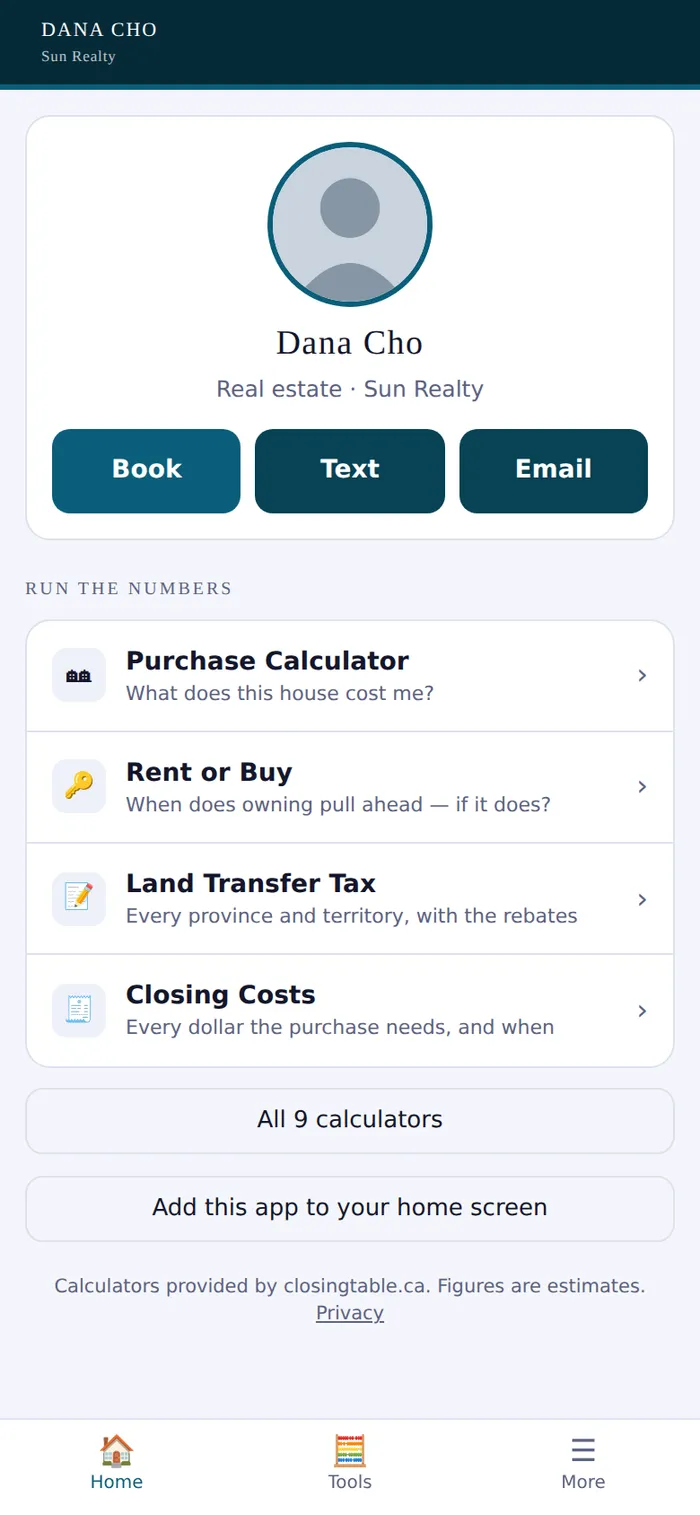
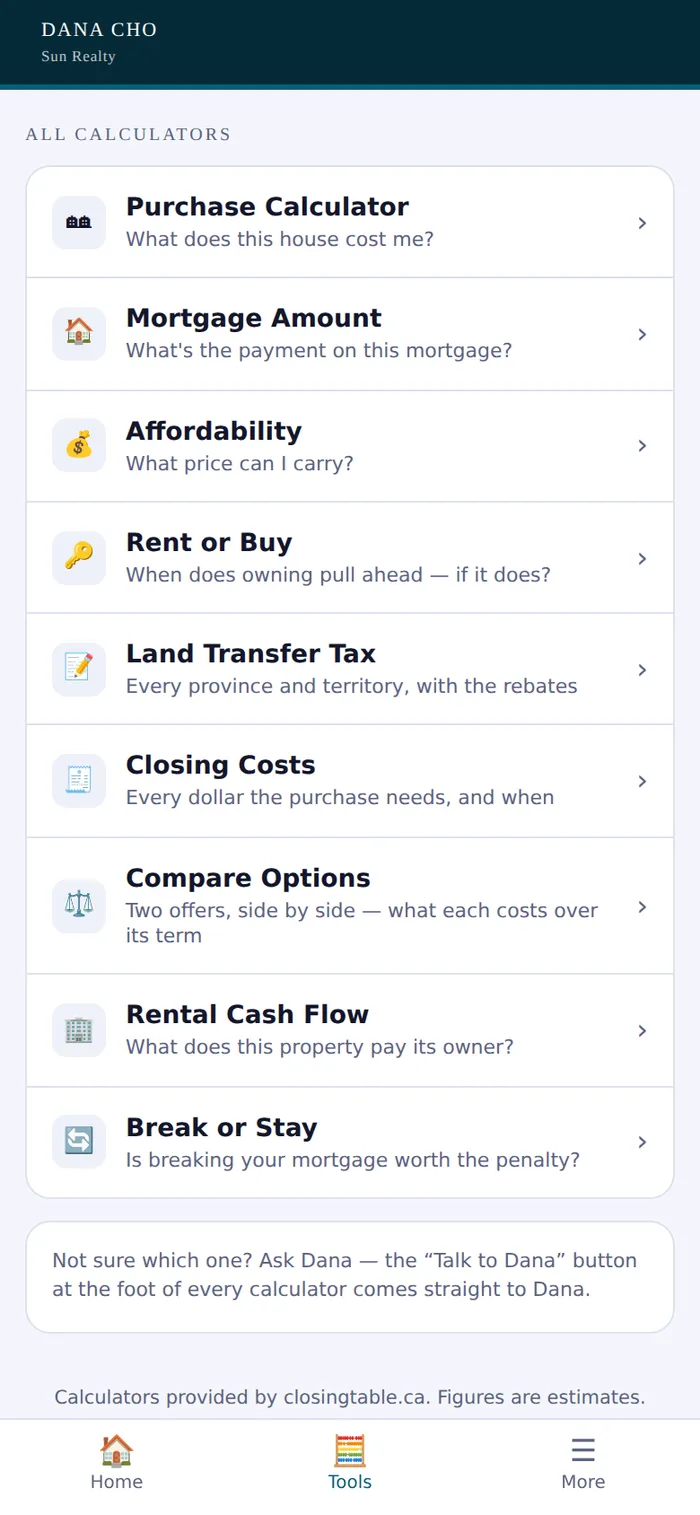
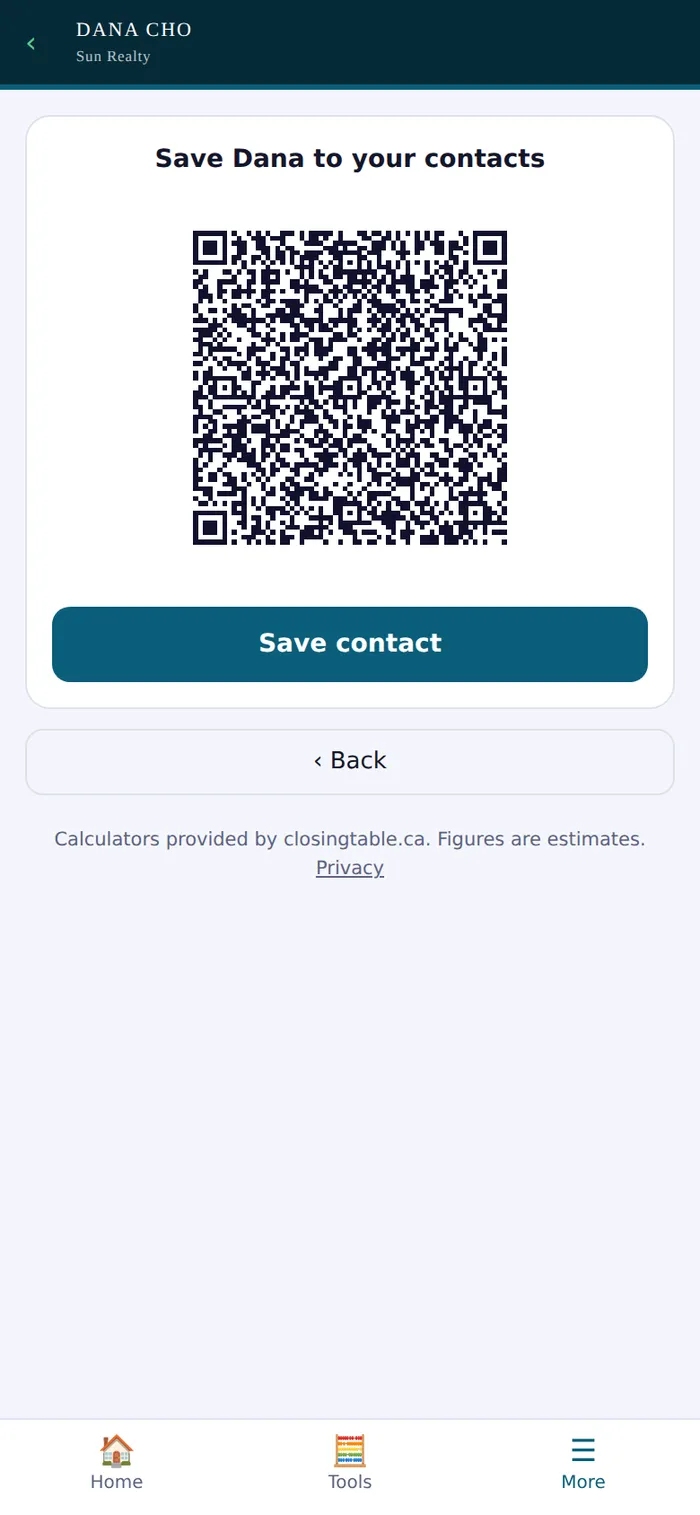
This is the real app, running for a sample member called Your Name. Tap through it. Nothing you type is sent to anybody.
Visitors sign in on your tablet. You get the names, with each person’s consent recorded in the words they agreed to.
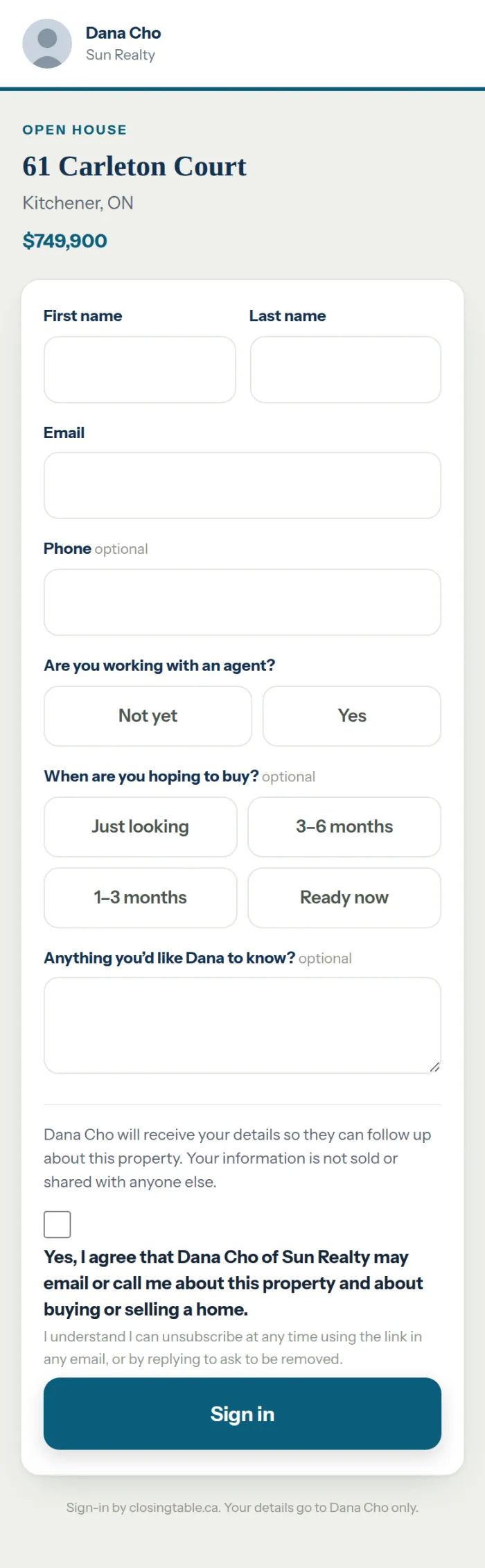
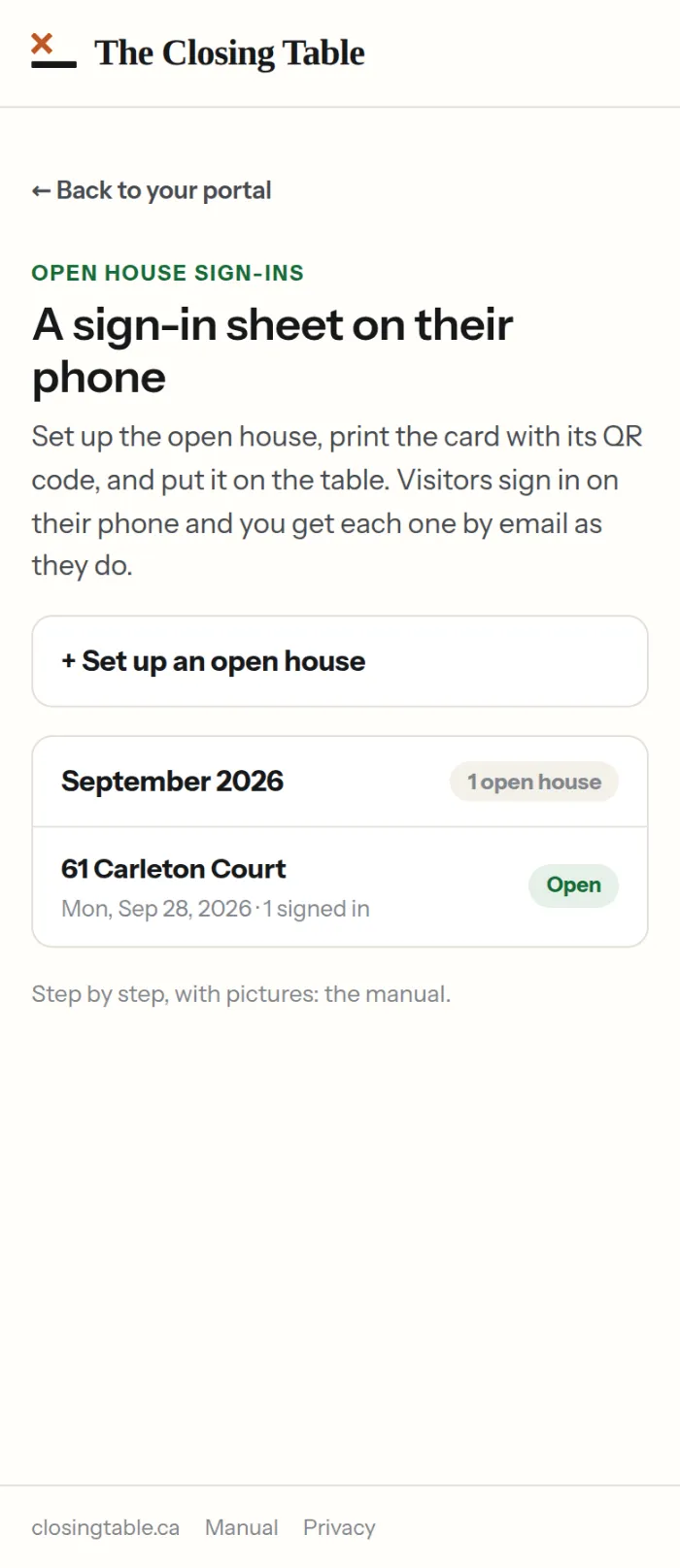
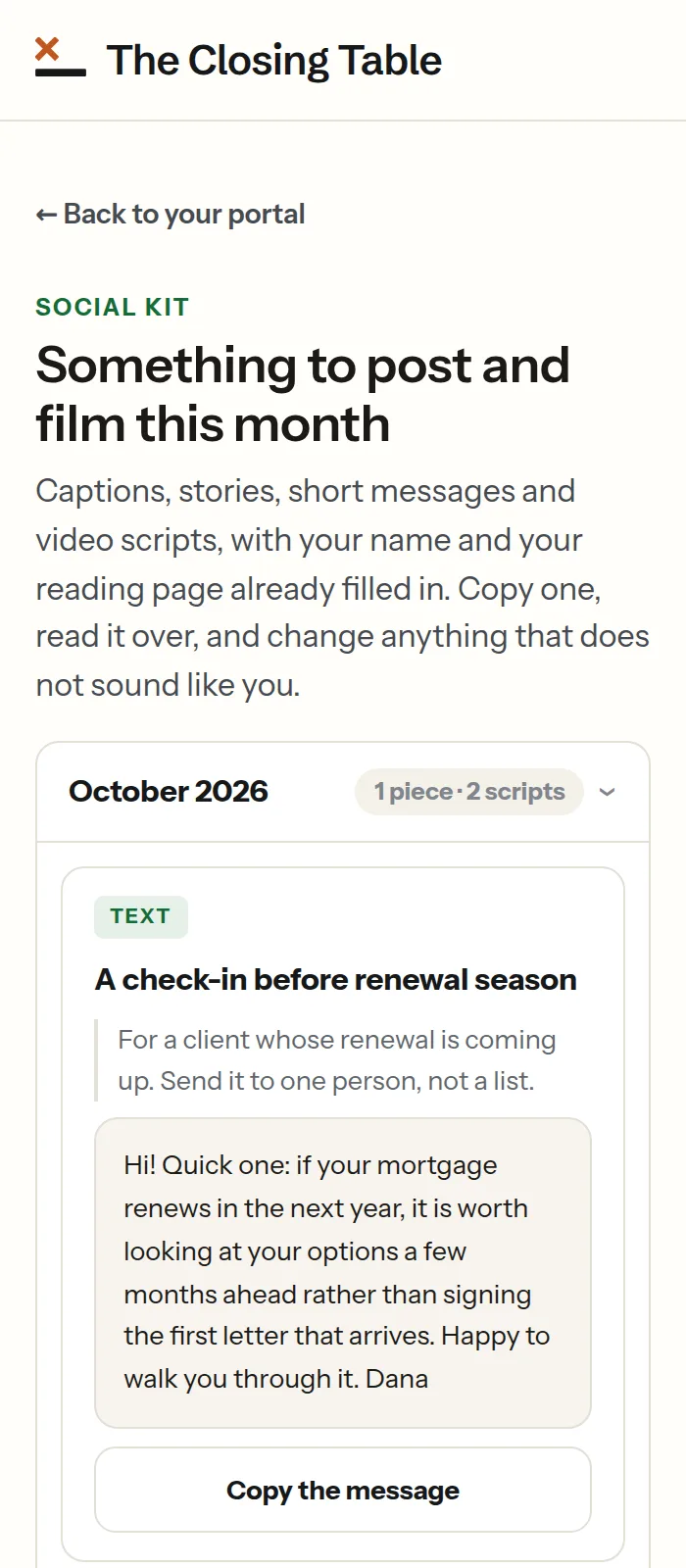
Show a client what their mortgage could do alongside their investments, in the meeting, with your dealer’s compliance line on every screen.
Province and income in, take-home worked out, then three strategies side by side. Client files stay encrypted on your own computer. A PDF follows the option on screen.
Sample advisor details shown.
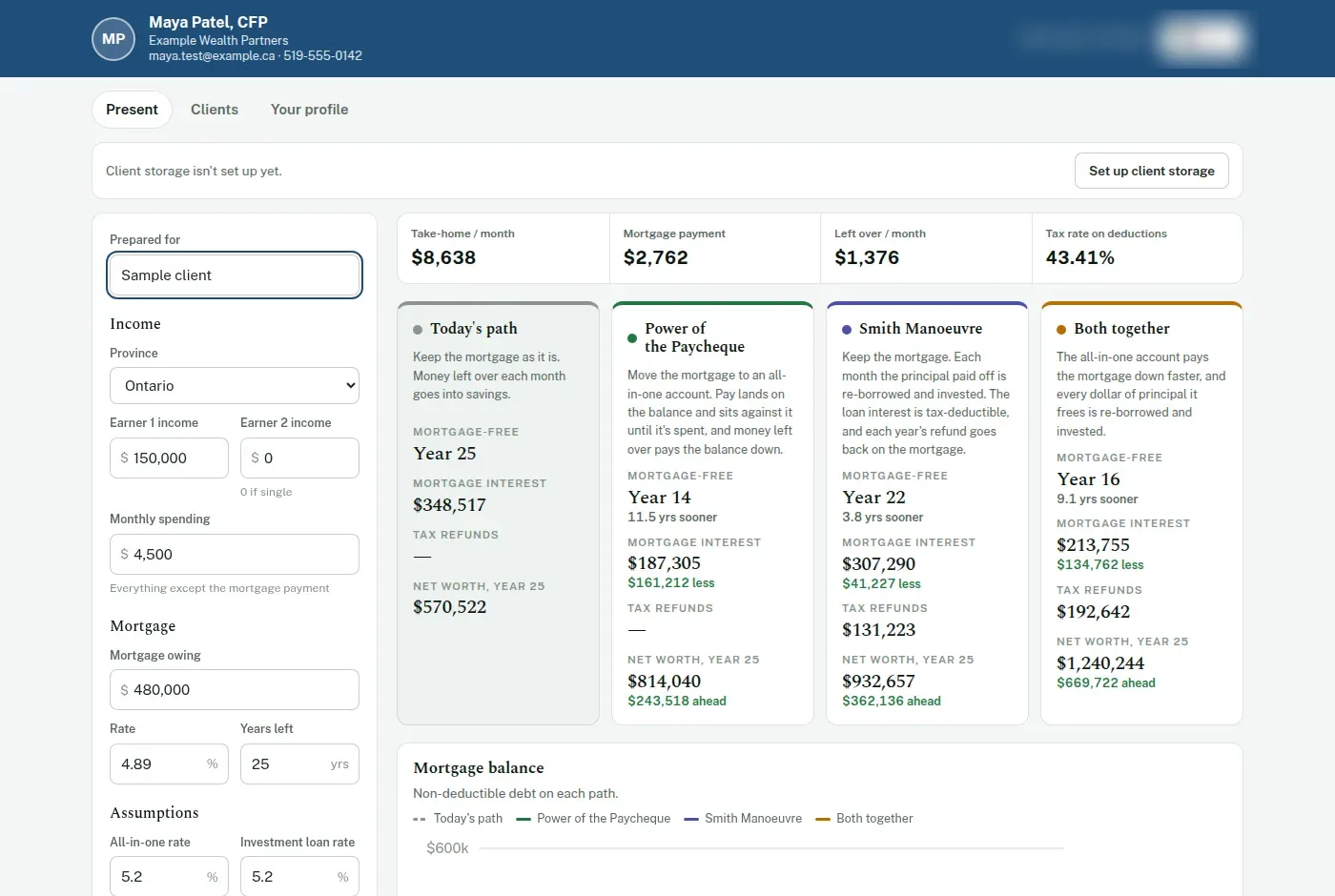
Every app opens from your portal and prints your name, brokerage and licence line on everything a client takes home.
Any province
An all-in-one mortgage on the client’s real income and spending, an eleven-page report and a link to their own plan.
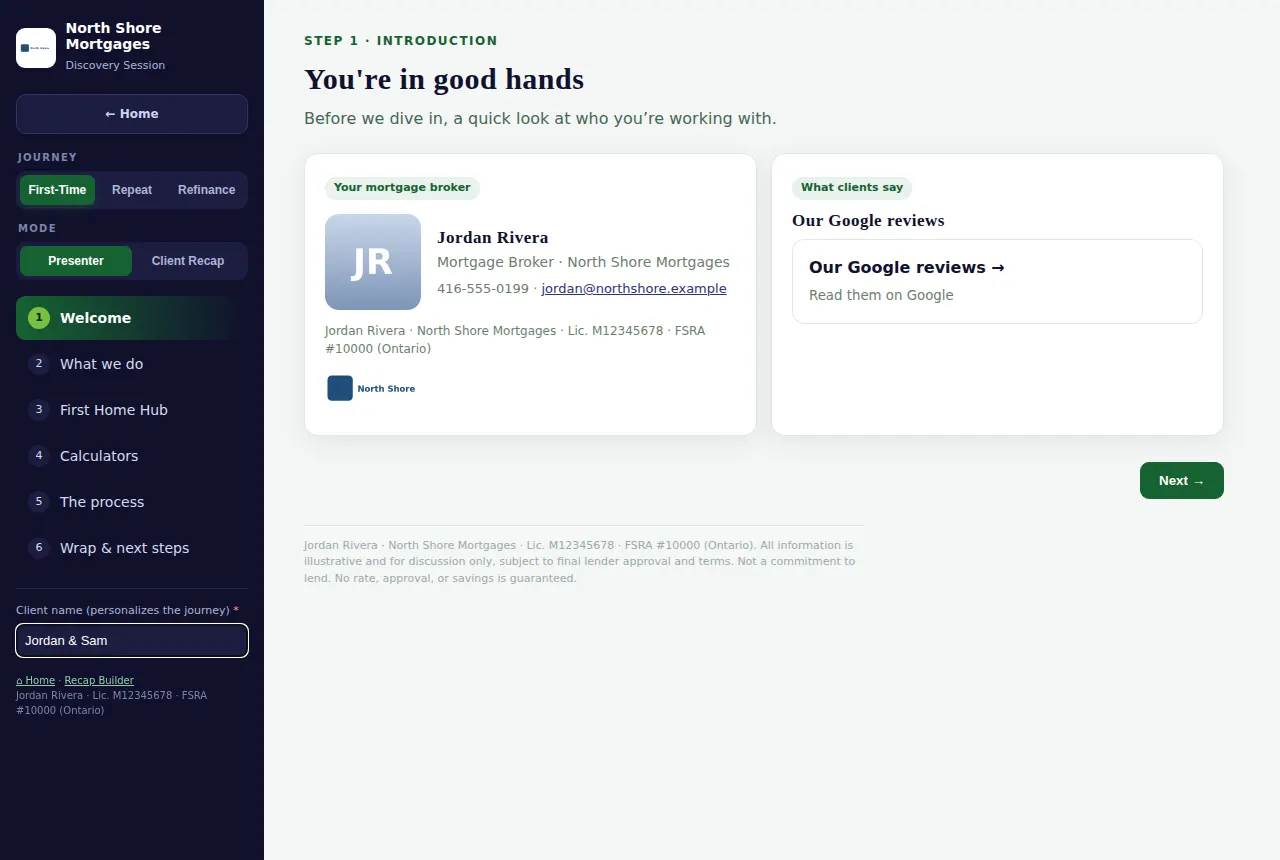
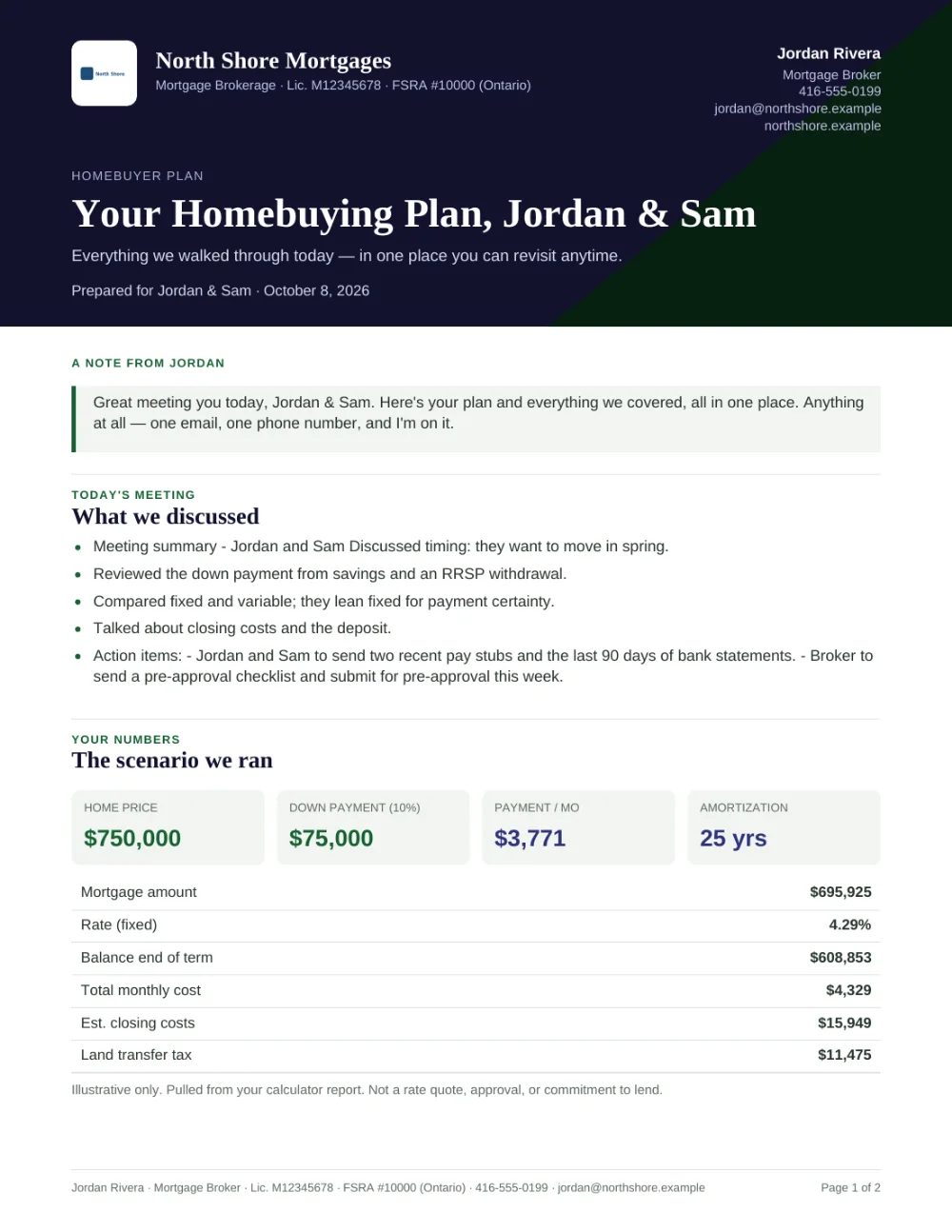
Discovery, strategy and closing meetings on screen, then a recap the client keeps: a PDF, an email and their own link.
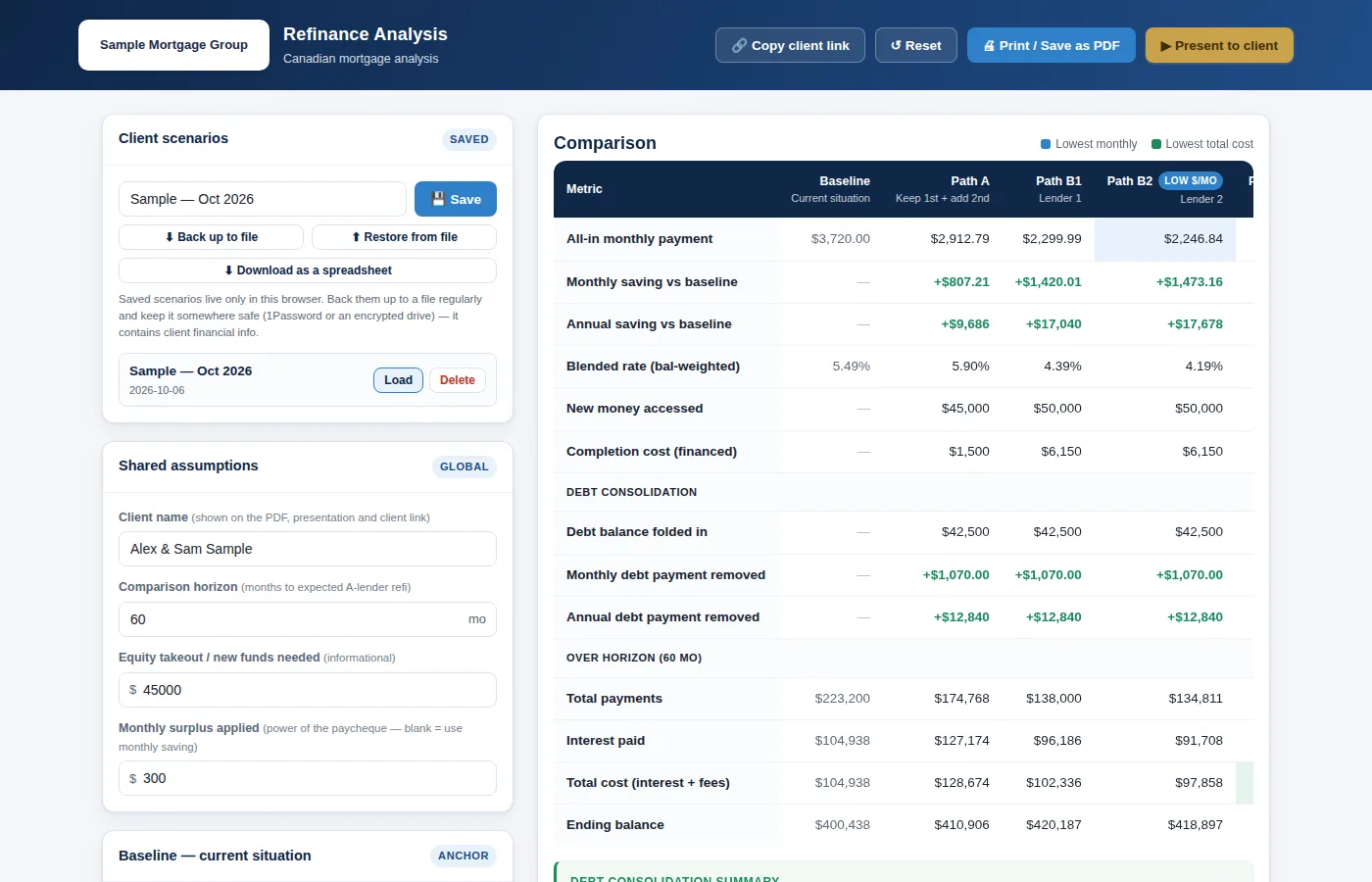
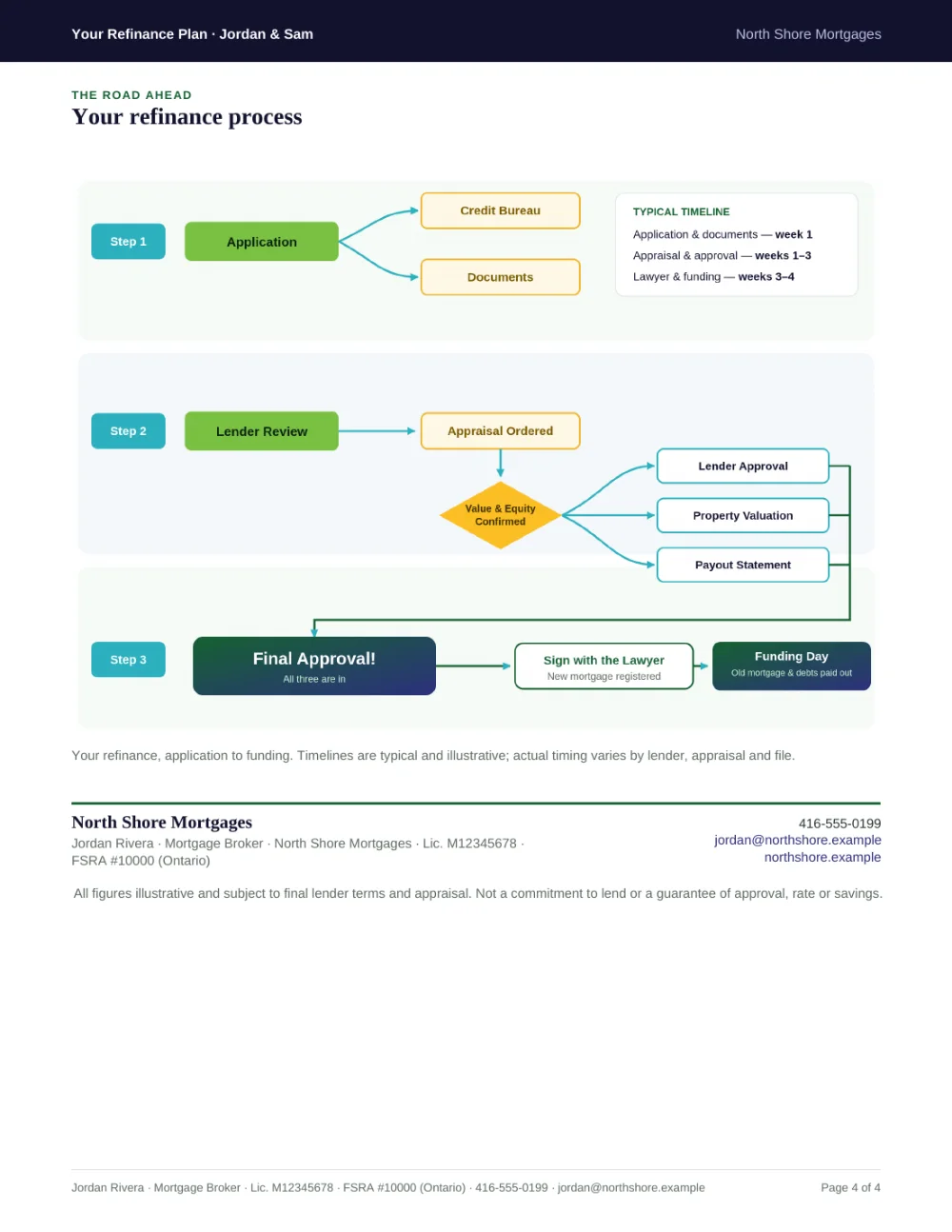
A refinance, a second mortgage, a renewal or a blend, side by side, with a review page for the client’s phone.
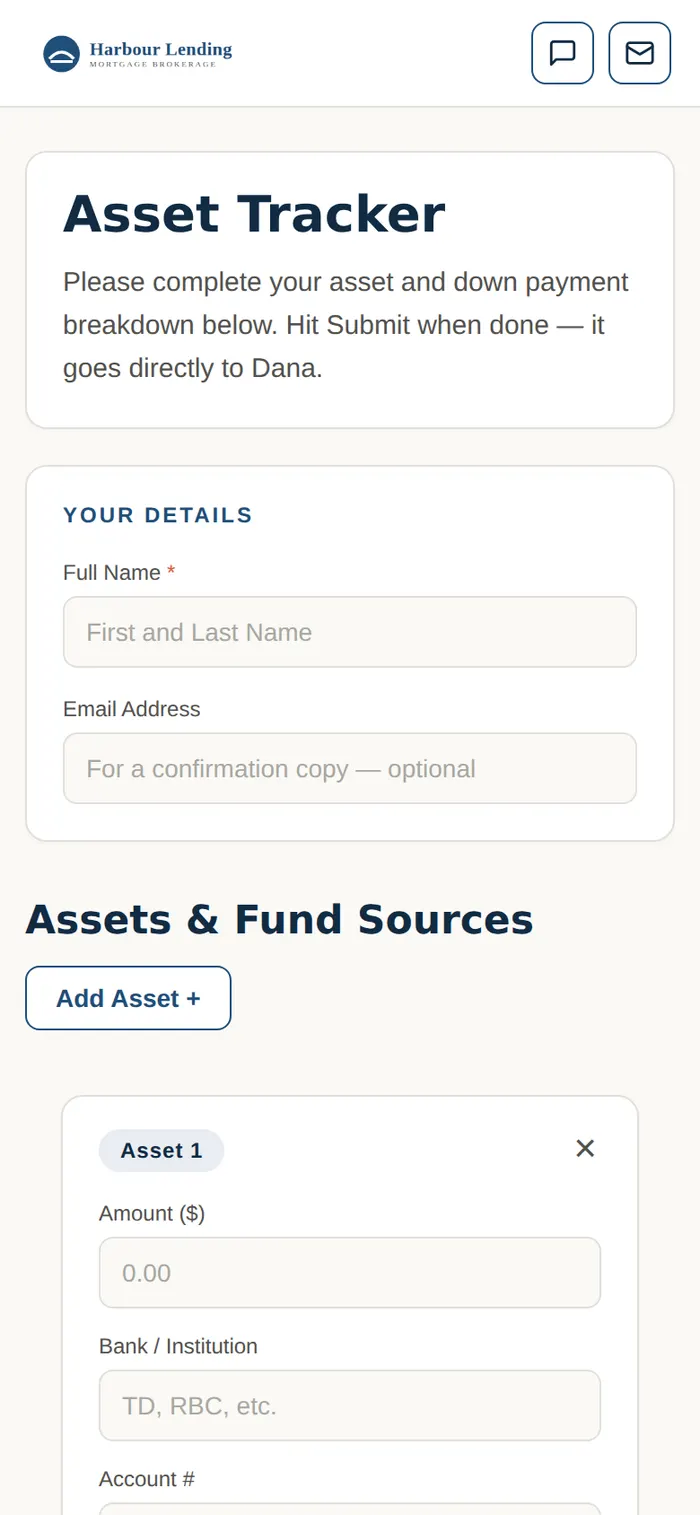
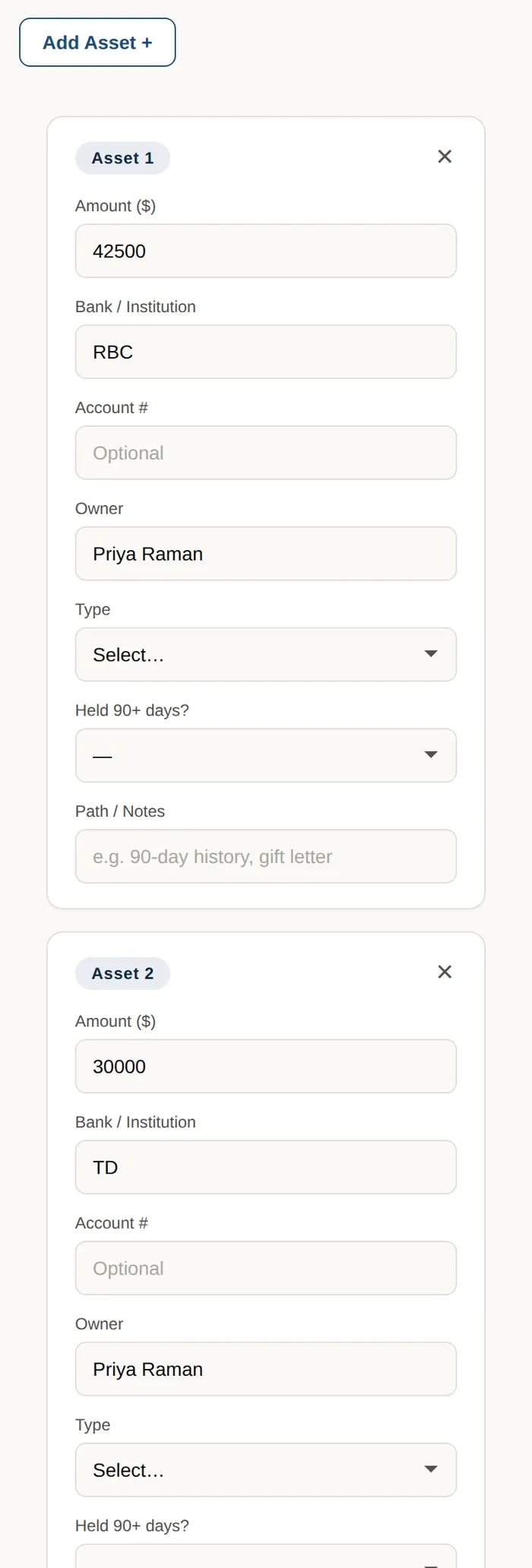
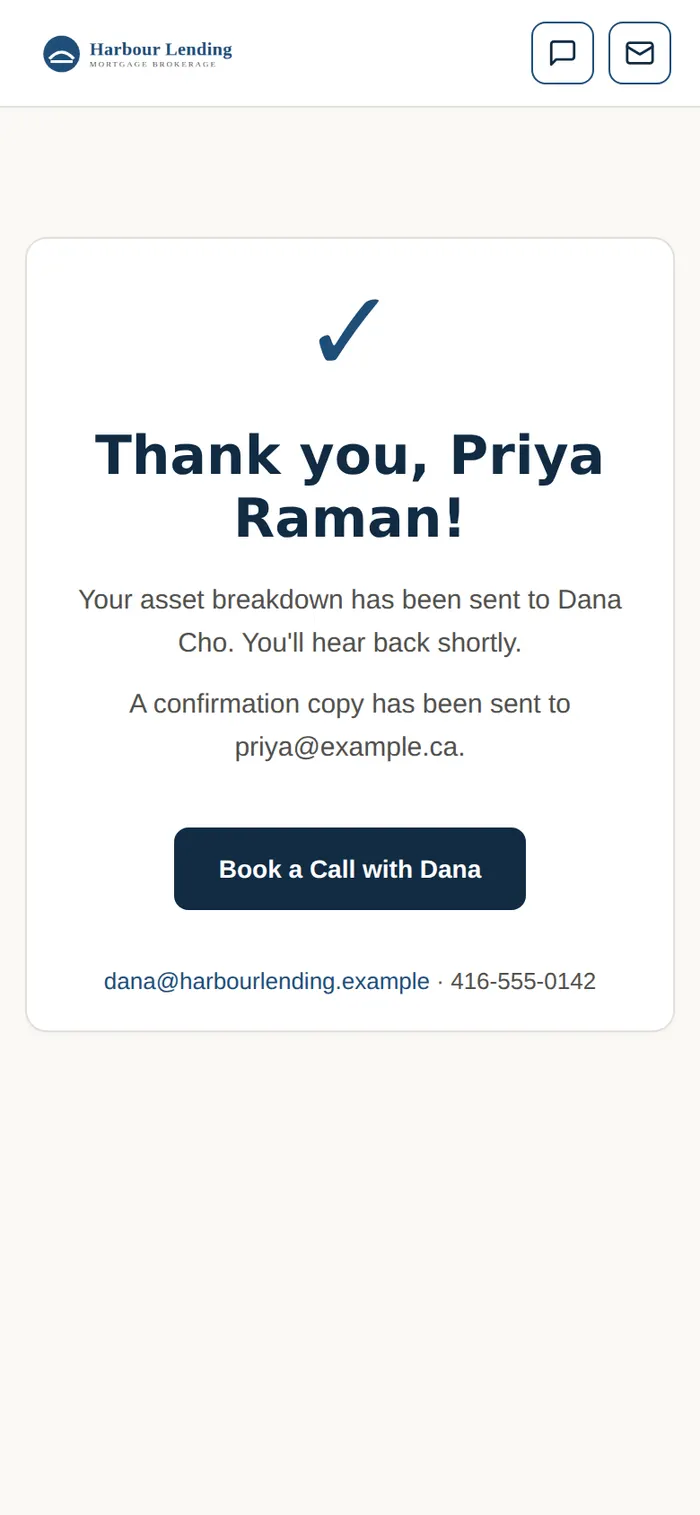
Send a link. The client lists every source of their down payment on their phone; the spreadsheet comes to you.
Ontario brokers These three use Ontario land transfer tax.
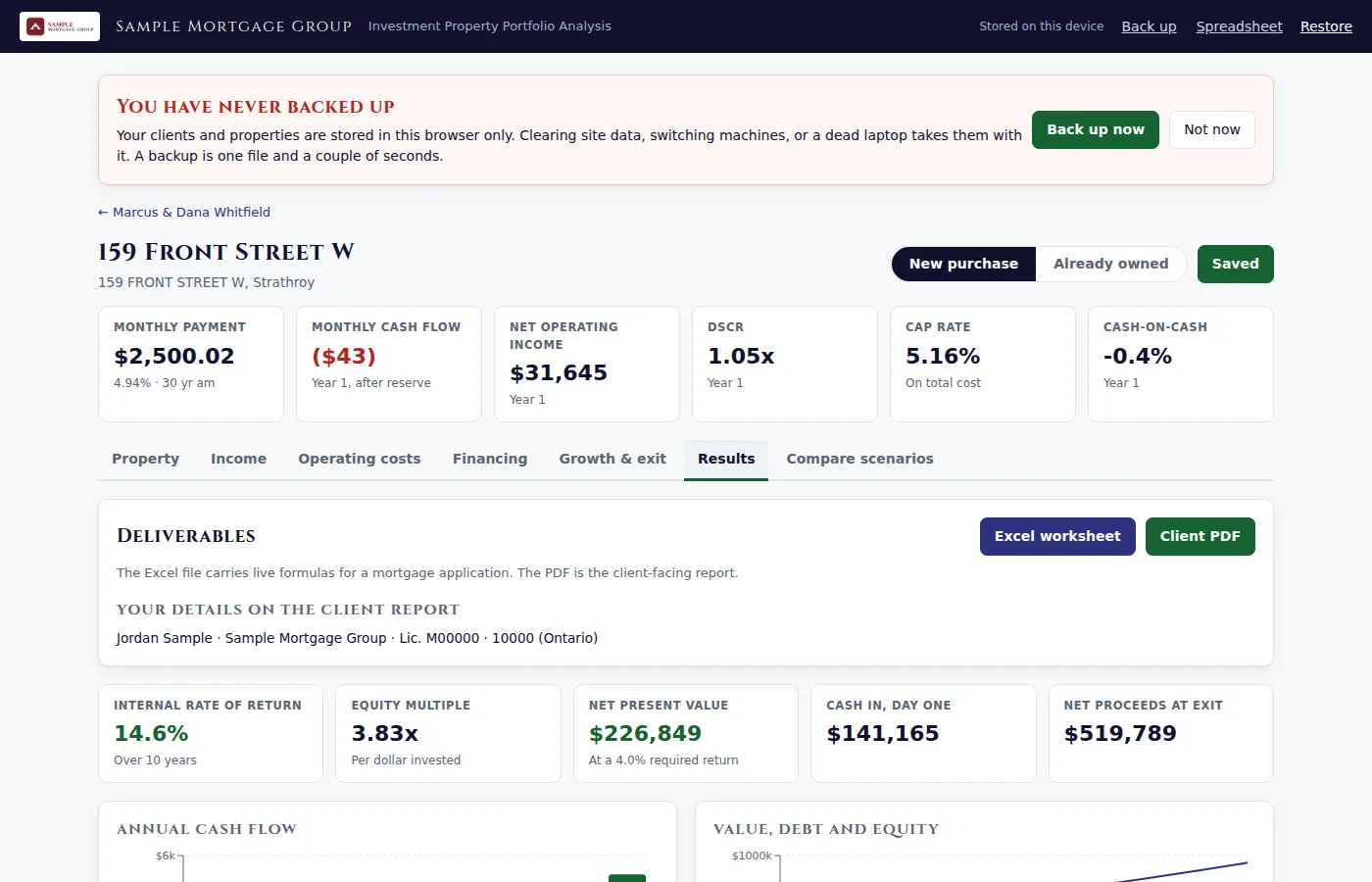
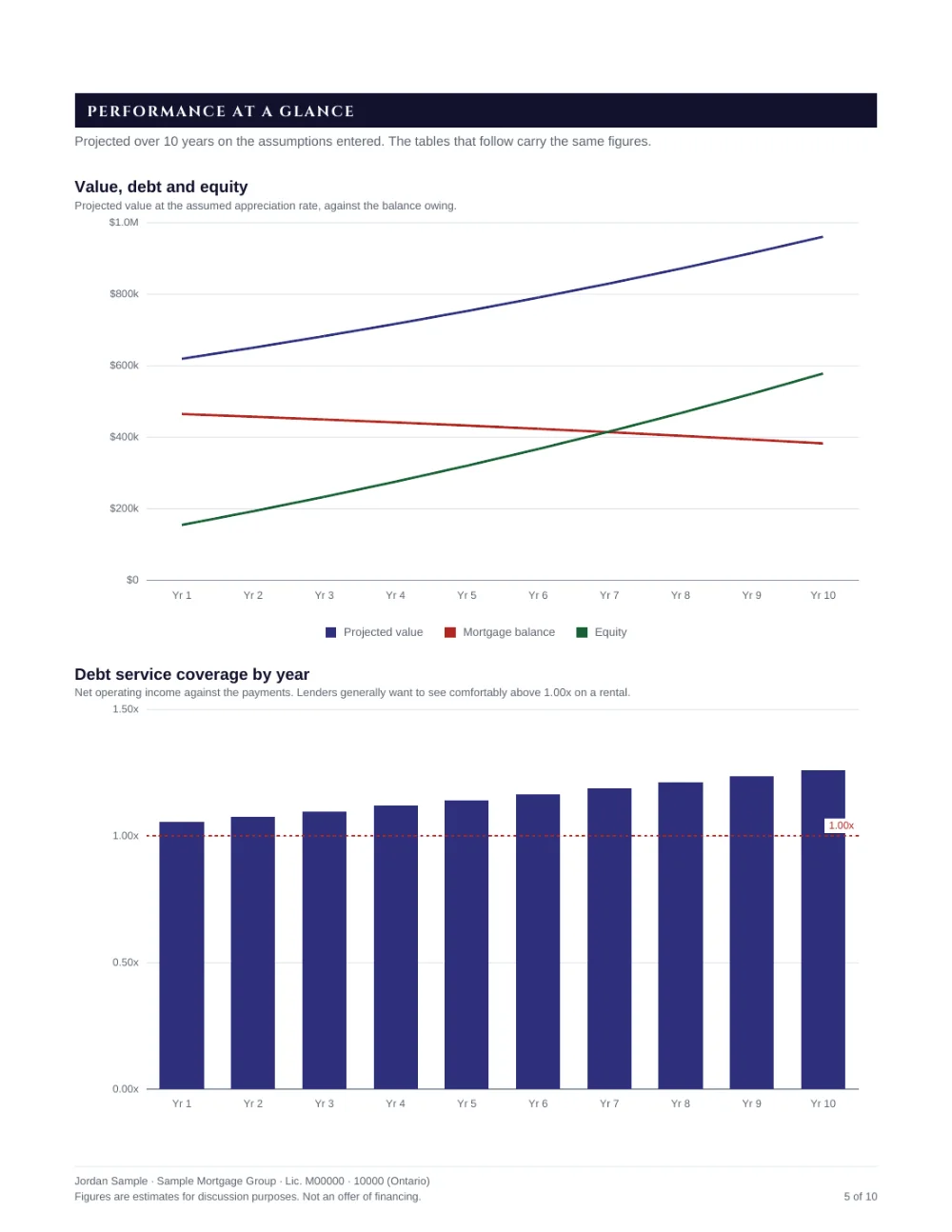
Cash flow, returns and value over the years held, a ten-page client report and an Excel workbook for the lender.
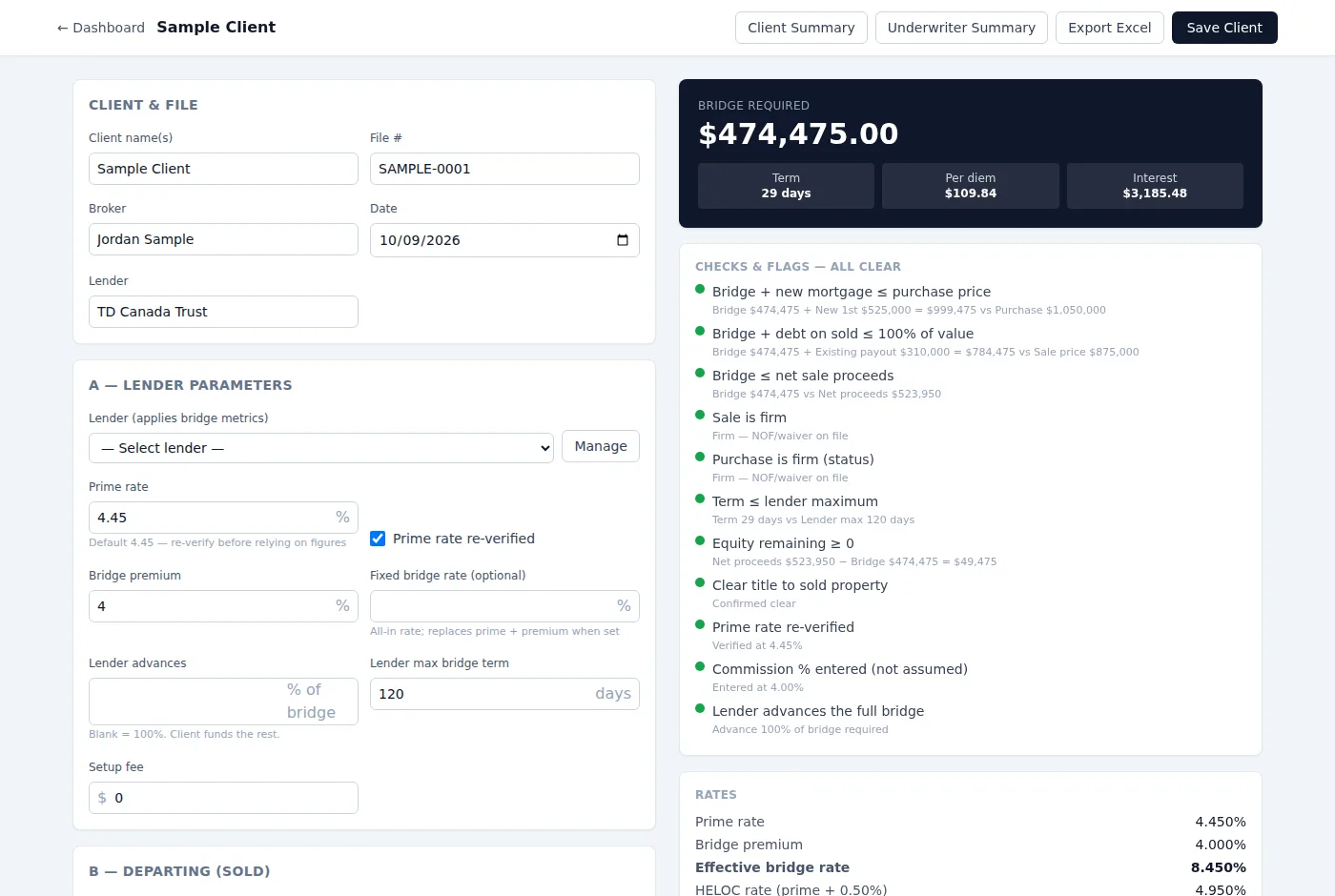
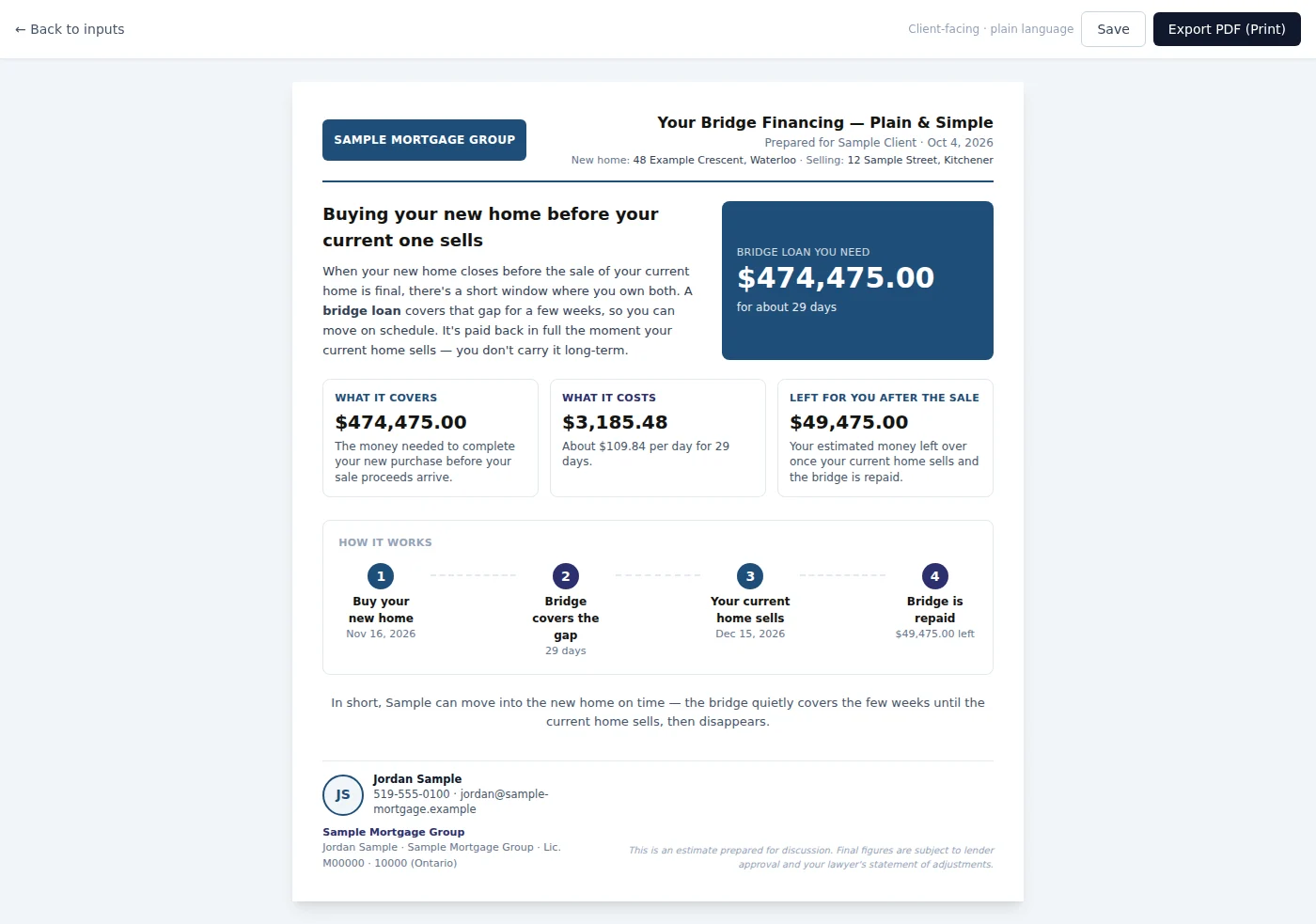
The bridge and what it costs, an underwriter summary and a plain-language page for the client.
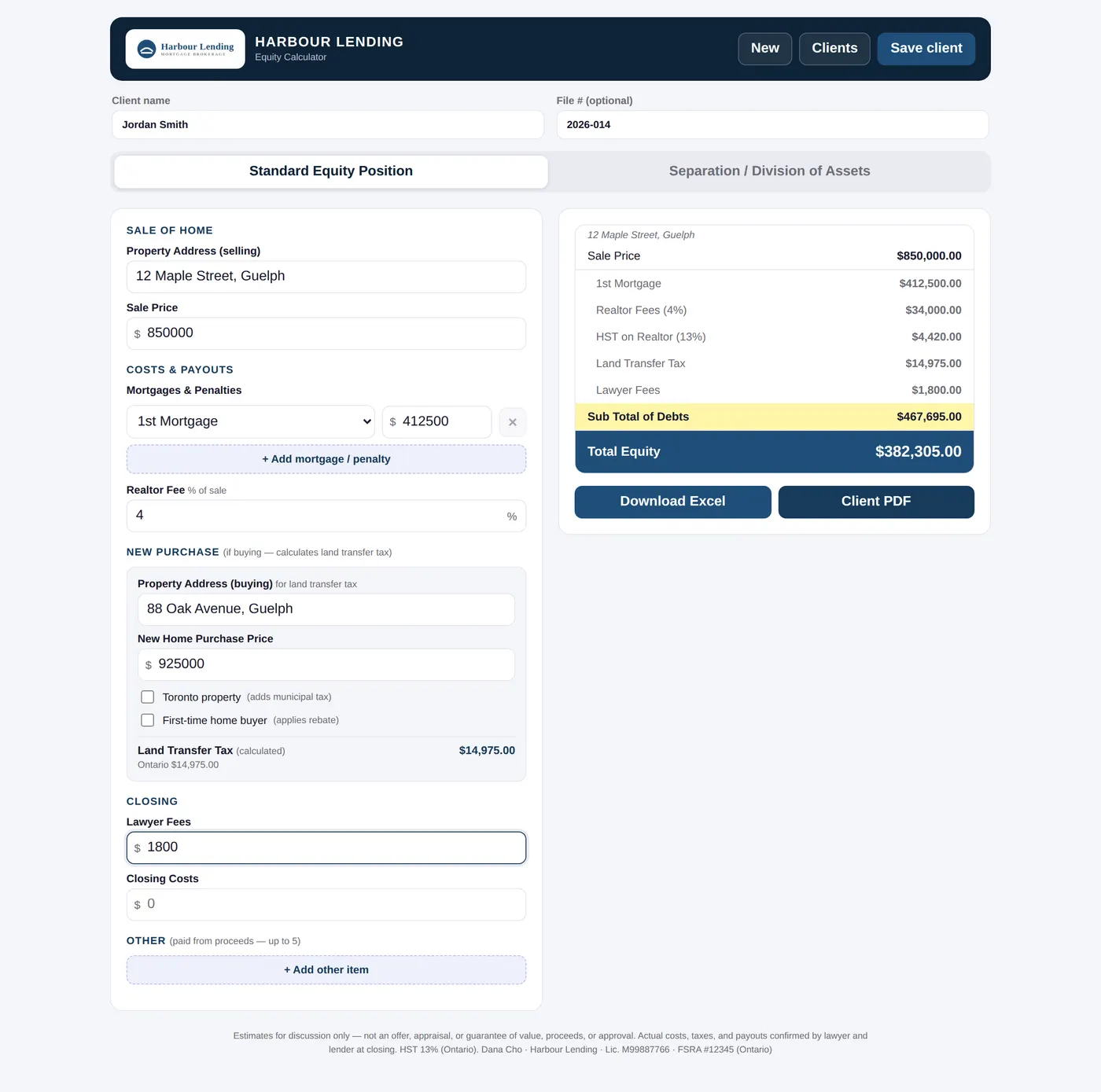
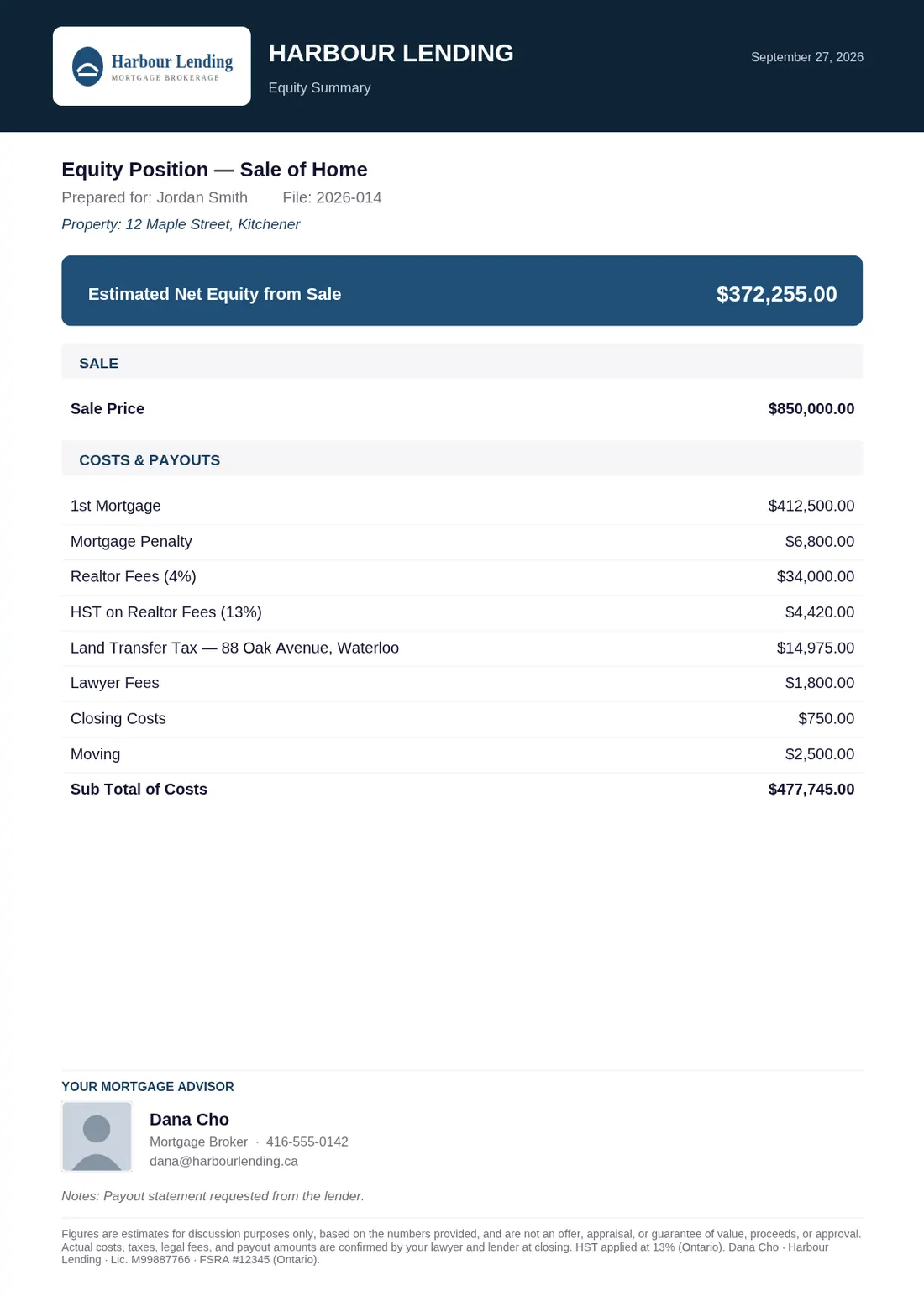
Sale, payouts and the next purchase with land transfer tax, a separation view, a PDF and an Excel export.
The real app, for a sample broker. Change the income and spending and watch the payoff move. Everything it prints says SAMPLE, nothing is kept after you leave, and nothing is sent.
Every seat · all nine calculators
These are the real ones, exactly as they sit on a member’s website. Pick a tab and change any figure.
Shown for a sample member called Your Name. On your site it is your name, photo and colours, and Talk to Your opens your booking link.
Most clients open them on a phone. Save these figures prints a one-page sheet with your details on it, for the client to keep.
Sample member details shown.
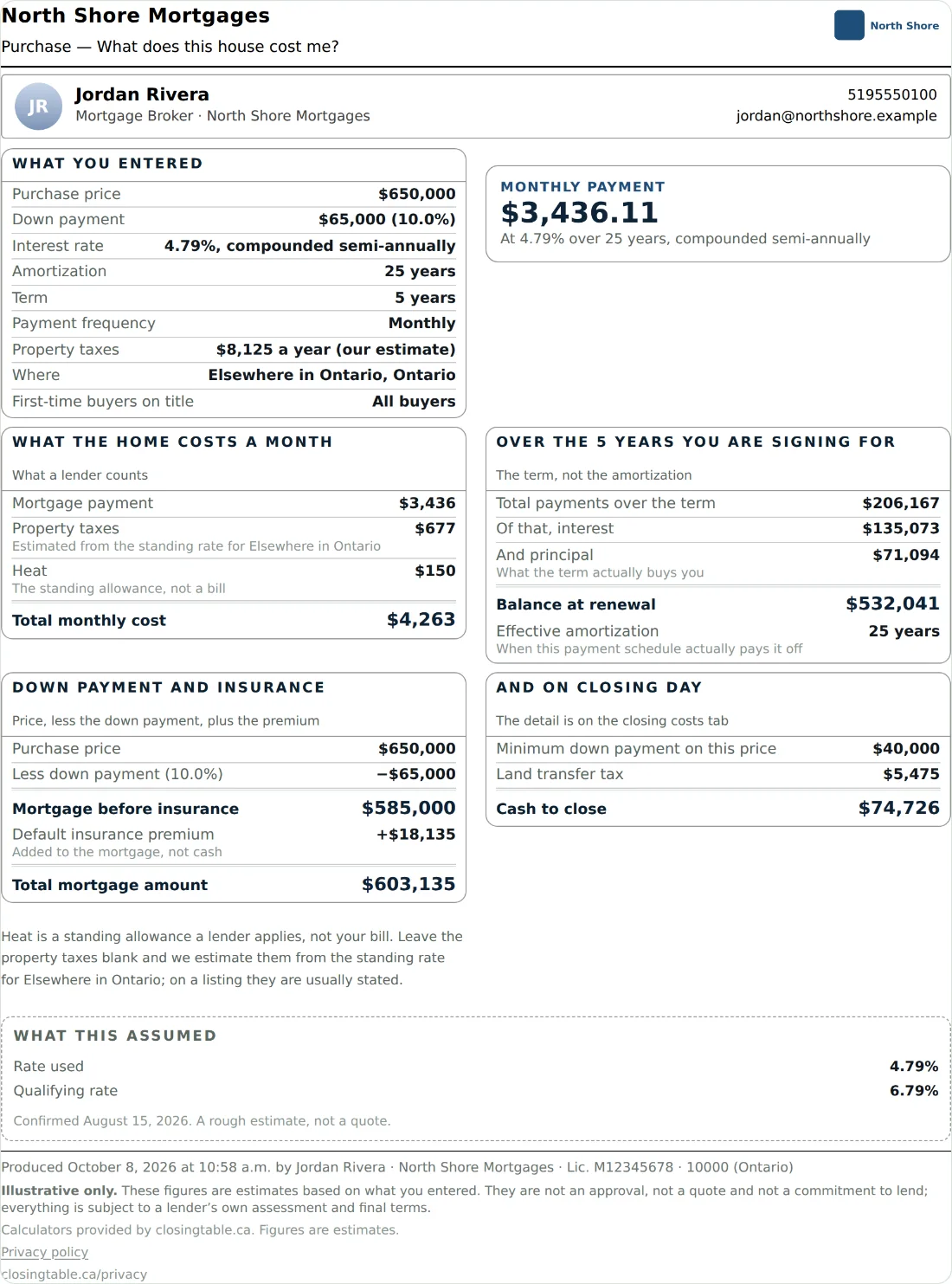
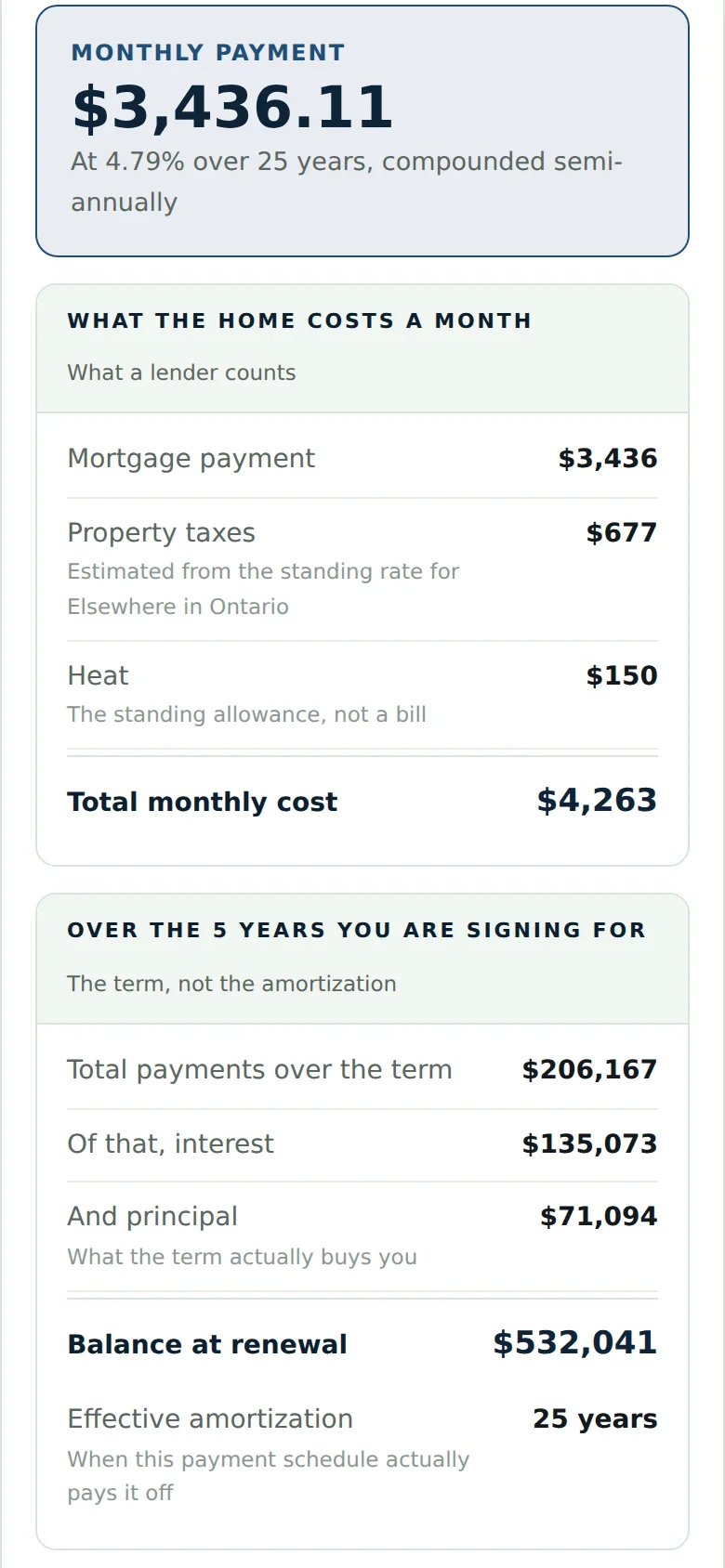
What your clients take home
Every page a client keeps prints your name, brokerage and licence line. Sample member details shown.

On your site this afternoon
No plugin, no account for your web person, no rebuild. It fits your page — your colours, your width.
All nine are on by default. Turn off any you would rather not show.
Into a page, a sidebar, a landing page: anywhere your site lets you add HTML.
The Talk to button on every calculator comes to you — your booking link, email or phone.
<div data-closing-table="payment affordability landtransfer" data-member="your-name"></div>
<script src="https://closingtable.ca/embed.js" async></script>Fixed rates compound twice a year, the stress test is built in, and land transfer tax covers all thirteen provinces and territories.
When a lending rule changes, it is corrected once and reaches your site the same day. You never update anything.
The apps that save client files (Bridge Worksheet, Refinance Analysis, Portfolio Analysis, Mortgage Offset Strategy) let you download them as a backup and a spreadsheet, even after you leave. The Equity Calculator and Asset Tracker give you a spreadsheet as you go.
Free for seven days, no card needed. I set up every member myself.
| Realtor$99 a month | Advisor$99 a month | Mortgage broker$149 a month | |
|---|---|---|---|
| The nine calculators, on your site | Yes | Yes | Yes |
| Feature sheets you hand a client | Yes | Yes | Yes |
| The seven broker tools | No | No | All seven |
| Mortgage Investment Planner | No | Yes | No |
| Your own client page | Yes | No | No |
| An app your clients install | Add on, $99 | No | No |
| Open house sign-in | Yes | No | No |
| Monthly social kit | Yes | Yes | Yes |
| Articles to share with your clients | Yes | Yes | Yes |
| Ask a licensed broker | Yes | Any time | You are one |
Prices in Canadian dollars, before tax. Paying yearly: $990, or $1,490 for brokers (two months free). Cancelling takes thirty days’ notice. Investment Property Portfolio Analysis, Bridge Worksheet and Equity Calculator use Ontario land transfer tax, so they are for brokers licensed in Ontario. Founding members: the first twenty-five keep their price for as long as they stay.
Tell me a bit about yourself and what you do. I personally welcome every new member, so I’ll look at your request myself and send your sign-in details as soon as you’re set up.